Login Guide
Follow these steps to login to the dashboard.
Step 1 — Open Login Page
Open the following URL in your browser:
https://dashboard.waytunited.net/login
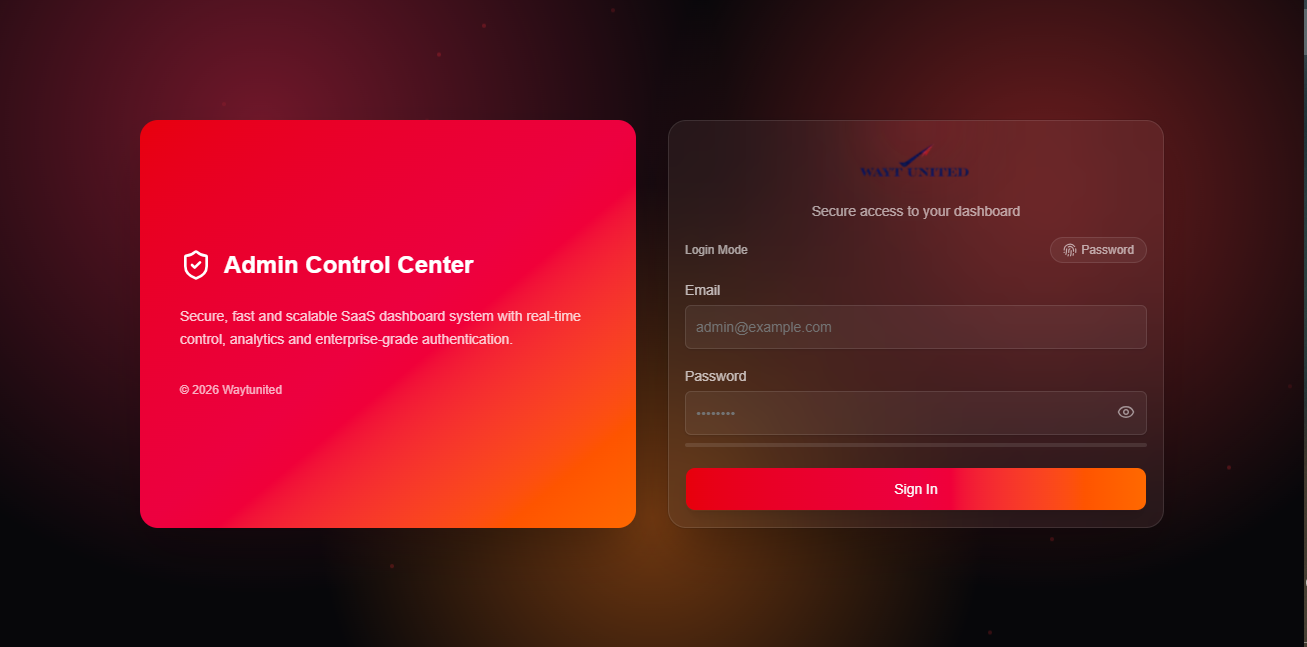
Step 2 — Enter Email
Enter your admin email address.
Example:
admin@example.com

Step 3 — Enter Password
Enter your account password.

Step 4 — Show/Hide Password (Optional)
Click the eye icon to show or hide your password.

Step 5 — Click Login
Click the Login button to access the dashboard.

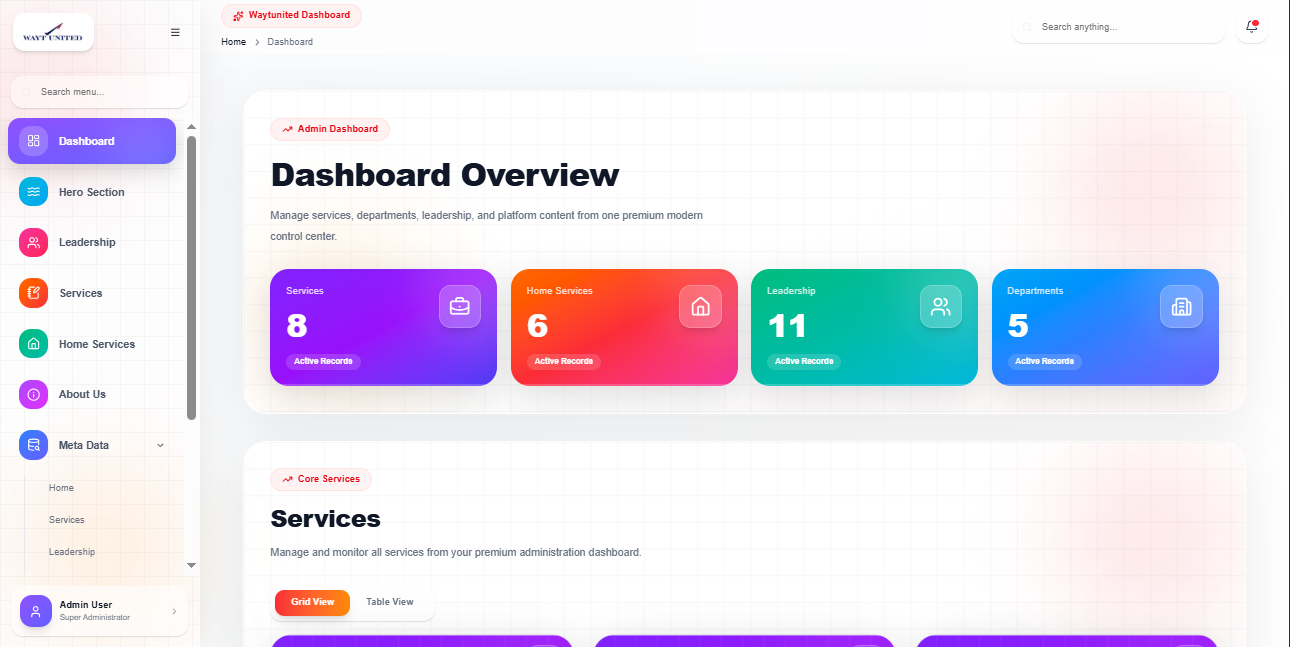
Successful Login
After successful login, you will be redirected to the dashboard.
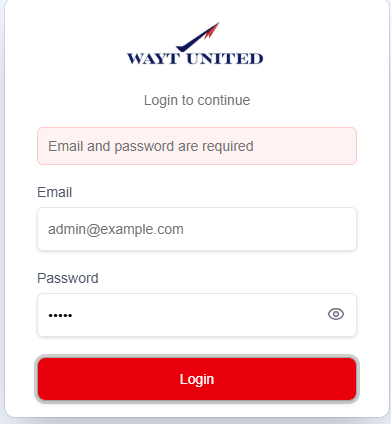
Login Errors
If login fails, one of the following messages may appear:
Email and password are required
Invalid credentials
Network error. Try again.
Notes
- Make sure your email and password are correct.
- Contact administrator if you cannot access your account.
- Logout after completing your work.